
Mesher vs Ko-fi: A Creator Website or a Support Page?
Updated October 5, 2026
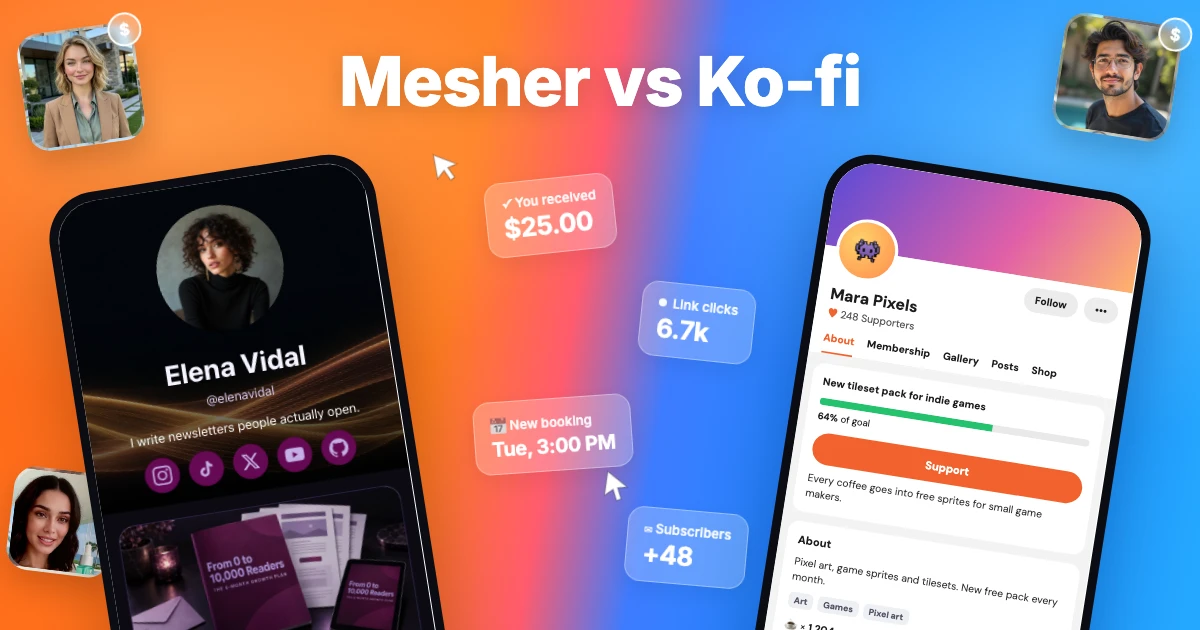
Ko-fi is a support page for creators: tips, memberships, a shop and commissions, with a funding goal, posts and a gallery, all free to use for a fee of up to 5% per payment. Mesher gives creators their own website: it grows your email list, sends your newsletter, books your 1:1 calls, sells your digital products and takes tips through its own “Buy me a coffee” product, at your own address and in a modern template that looks like you.
This guide compares the two on what decides which one fits: what you pay, what you can offer, and how your page looks. Prices are as listed on each site in October 2026. Check both before you decide, because they sometimes change.
The short answer
Ko-fi is built for fans who want to support an artist or streamer: tips towards a goal, memberships with Discord roles, commissions and stream alerts, on one page with tabs.
Mesher gives you a complete creator website where support is one product among many: a “Buy me a coffee” button next to your guides, your 1:1 calls and your newsletter, ready in minutes from a template.
Quick comparison
Mesher | Ko-fi | |
|---|---|---|
Monthly price | Free, or $29 for Pro | Free, or $12 for Gold |
Fee per sale | 10% on Free, 0% on Pro | 5% on everything; 0% on one-off tips with Ko-fi Free, which turns off advanced features; 0% on Gold |
One-off support | A “Buy me a coffee” product: any amount, with a message | Tips, one-off or monthly, towards a funding goal |
Memberships | No | Yes, with Discord roles and supporter-only content |
Commissions | No | Yes, on your own terms |
Digital products | Yes | Yes, plus physical items, in a shop |
1:1 calls | People pick a time and pay; a video room is created for every booking | No booking calendar |
Email list | Lead magnets and a subscribe form on every plan; sending your newsletter on Pro | Messages from supporters |
Page design | A complete creator website from a modern template, ready in minutes, with a style editor for colours, fonts and corners when you want more | One page with tabs for About, membership, gallery, posts and shop, in your accent colour |
Where the money goes | Straight into your own Stripe account | Straight into your own PayPal or Stripe account |
Best for | Creators who want their own website to grow their list, book their time and sell what they make | Artists and streamers who take commissions, run memberships with Discord roles, want stream alerts, or take tips with no fee |
What Ko-fi is for
Ko-fi gives a creator one page for support: one-off and monthly tips towards a funding goal, memberships with supporter-only content and Discord roles, a shop for digital and physical items, and commissions on your own terms. Streamers get alerts and overlays for Twitch and YouTube. Creating a page is free; the default Standard plan keeps 5% of every payment, Ko-fi Free keeps nothing on one-off tips but drops the advanced features, and Gold at $12 a month removes the fee. Payments go straight to your own PayPal or Stripe account.
Ko-fi themes
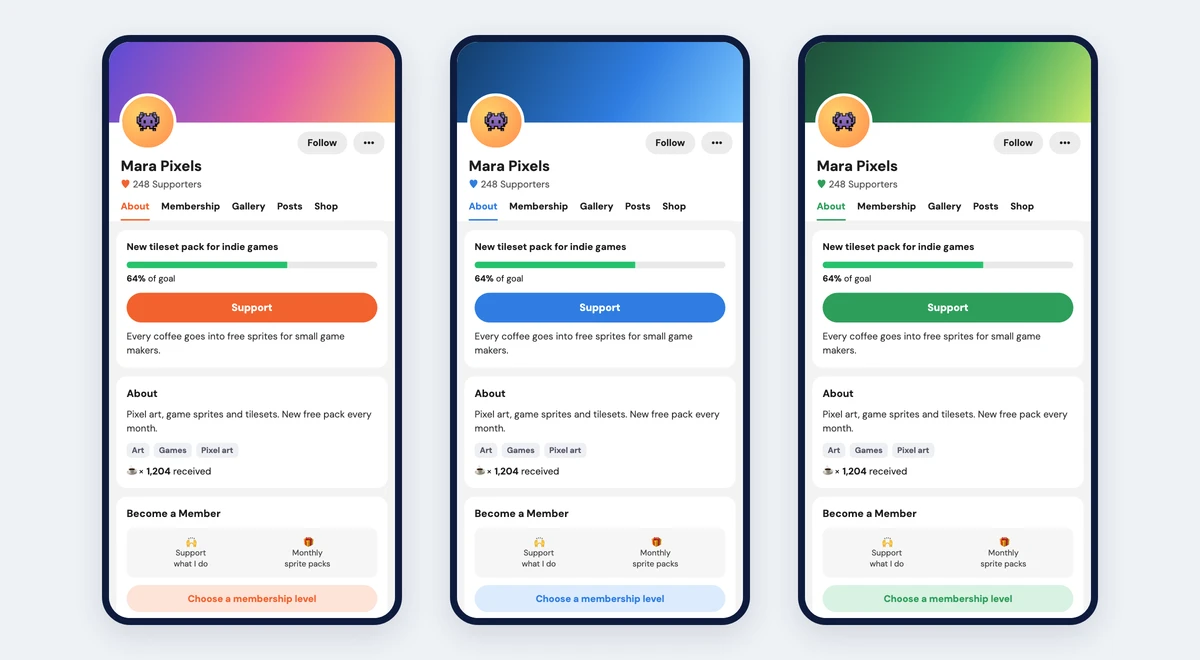
Every Ko-fi page has the same layout: a cover and a round avatar, a row of tabs, and cards for your goal, About, membership and shop. You choose the cover, the picture and the accent colour; the arrangement stays the same.
Where Mesher is different
A website that looks like you, in minutes
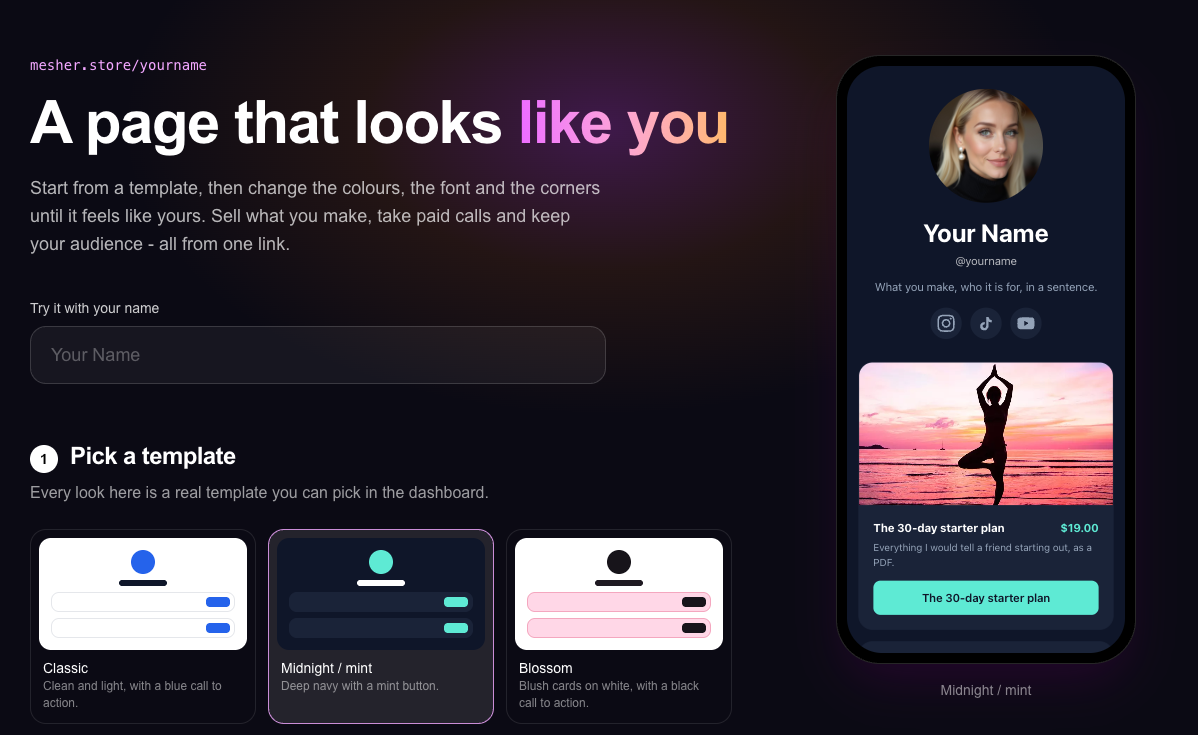
Ko-fi gives you a support page with tabs. Mesher gives you a complete creator website, started from a modern template and made yours with your own colours, font and corners: your products, posts, newsletter and calls, under your own name.
All-in-one creator tools
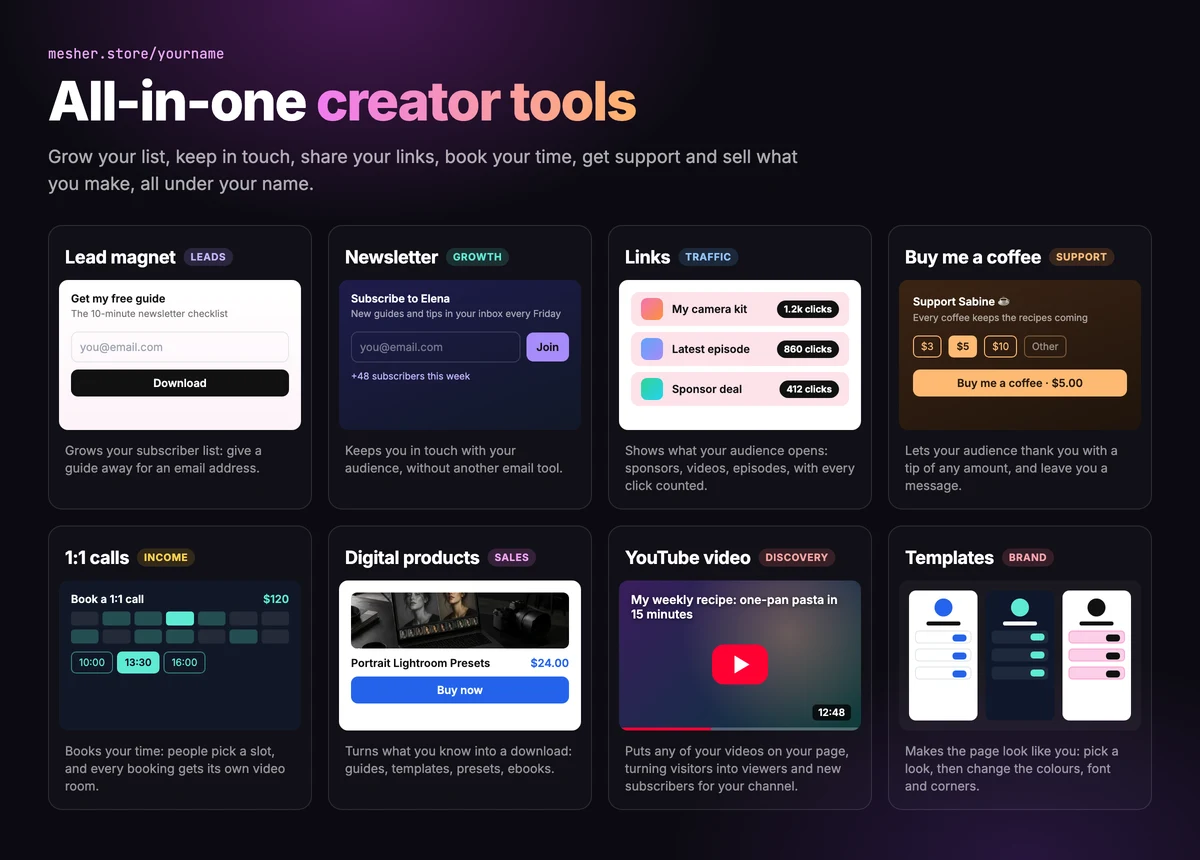
A lead magnet grows your subscriber list, a newsletter keeps you in touch, links show what your audience opens, Buy me a coffee lets them support you, 1:1 calls book your time, digital products turn what you know into a download and a YouTube video brings your channel new subscribers. Each one takes a few minutes to add.
Buy me a coffee
On Mesher, “Buy me a coffee” is one of the things on your page rather than the whole page. Supporters tap $3, $5 or $10, or type their own amount, and can leave you a message that you read alongside your sales. Because it sits next to everything else you offer, someone who came to thank you also sees your guide, your next call and your newsletter.
1:1 calls
If you coach, consult, teach or review portfolios, a 1:1 call is often the best thing you can sell. People pick a time from your availability and pay, and a video room is created for the booking. You and your client both get a calendar invite by email, with the room link inside.
Newsletter
Visitors subscribe on your page or in exchange for a free download. You can download your list at any time, and you write and send your newsletter from Mesher itself.
Which should you choose?
Ko-fi is the better fit if:
you take commissions for custom art or services;
you run memberships with Discord roles, or stream and want alerts for tips;
you want to keep every one-off tip with no fee.
Mesher is the better fit if:
you want your own website where support sits next to everything else you offer;
you sell your time as well as files: coaching, lessons, consultations, reviews;
you want to grow an email list and send your newsletter from the same place.
Frequently asked questions
What is Ko-fi?
Ko-fi is a support page for creators: one-off and monthly tips towards a funding goal, memberships with supporter-only content and Discord roles, a shop for digital and physical items, and commissions on your own terms.
Does Ko-fi take a cut?
As listed in October 2026, the default Standard plan keeps 5% of every payment. Ko-fi Free keeps nothing on one-off tips but drops the advanced features, and Gold at $12 a month removes the fee.
How does Ko-fi work?
Creating a page is free. Supporters tip, join a membership or buy from your shop on one page with tabs, and payments go straight to your own PayPal or Stripe account.
What is Ko-fi used for?
Artists and streamers use Ko-fi to take tips and commissions and run memberships with Discord roles. Streamers also get alerts and overlays for Twitch and YouTube.
What is a good alternative to Ko-fi?
Mesher gives creators their own website where support is one product among many: a Buy me a coffee button for any amount from $1, with a message, next to your digital products, your 1:1 calls and your newsletter. Payments go straight into your own Stripe account.