
Mesher vs Linktree: Which Is Better for Selling From Your Link in Bio?
Updated October 5, 2026
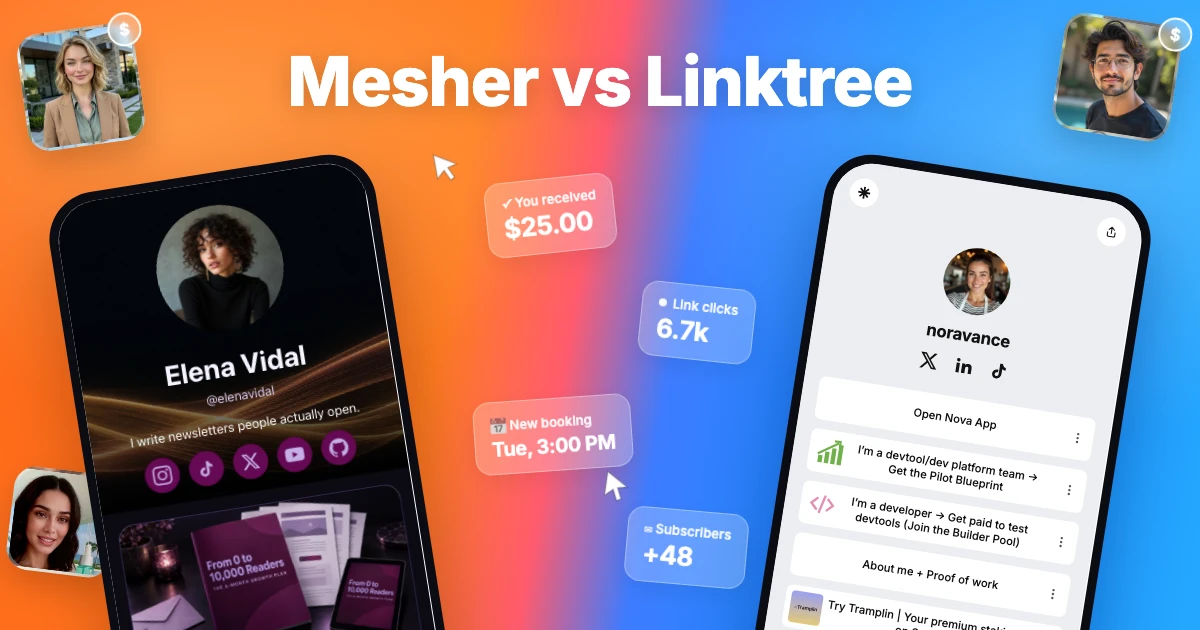
Linktree is a well-known link-in-bio tool: one page that lists your links. Mesher is a page where creators earn, not only place their links. It sells your digital products and paid 1:1 calls, grows your email list and sends your newsletter, all from one address, in a modern template that makes your page look like a brand rather than a list.
This guide compares the two on what decides your income: what you pay each month, what is taken from each sale, what you can sell, and how you keep in touch with buyers. Prices are as listed on each site in October 2026. Check both pricing pages before you decide, because they sometimes change.
The short answer
Mesher does what a link-in-bio page does: your social profiles, your website, your podcast, your latest YouTube video and as many links as you like, all on one free page. Then it adds what Linktree leaves to other tools: selling digital products and paid 1:1 calls, collecting subscribers and sending your newsletter, on one well-designed page where buyers pay straight into your own Stripe account.
Linktree suits creators who rely on its integrations and social scheduling tools, and have nothing of their own to sell.
Quick comparison
Mesher | Linktree | |
|---|---|---|
Monthly price | Free, or $29 for Pro | Free, $8, $15 or $35 ($6, $12 or $30 billed annually) |
Fee per sale | 10% on Free, 0% on Pro | 12% on Free and lower on paid plans, with 0% listed from Pro; plus processing and $0.25 per payout |
Links | As many as you like, each a card in your page’s style, with every click counted, on the free plan | Unlimited link buttons; click analytics from the $8 Starter plan |
Digital products | Yes, on both plans | Yes |
Buy me a coffee | Any amount from $1, with a message | No built-in tips today; you can add a GoFundMe link |
Paid 1:1 calls | Yes, on Pro, with a video room created for every booking | Bookings, or a link to a tool like Calendly |
Email list | Collect subscribers on Free; send newsletters from Mesher on Pro | Collect sign-ups; pass them to an email tool such as Mailchimp |
Page design | Modern store templates with your products front and centre | Themes for a list of link buttons |
Where the money goes | Straight into your own Stripe account at checkout | Paid out to you by Linktree |
Best for | Creators who sell from their bio link | Creators who want Instagram DM auto-replies and social post scheduling next to their links (Premium, $35) |
What Linktree is for
Linktree is a link list. It takes a few minutes to set up and connects to services like Spotify, Shopify, Mailchimp and Calendly. Its higher plans add link analytics, social post scheduling and Instagram auto-replies.
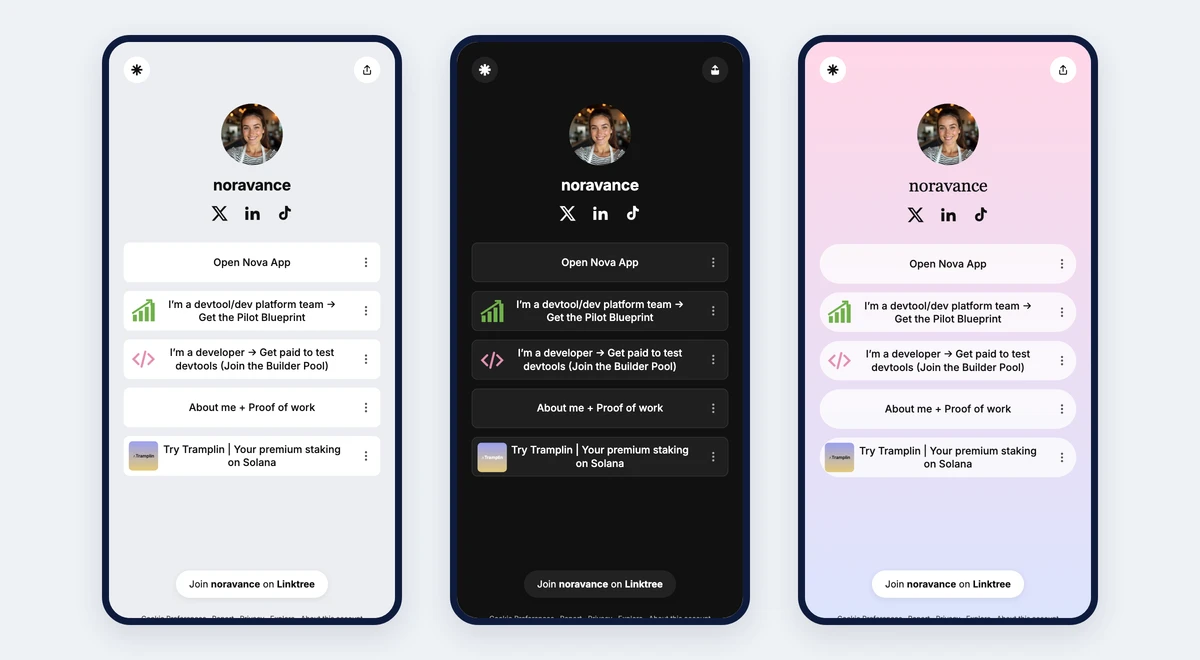
Linktree themes
Linktree pages start from ready-made themes, each a background, a button style and a font. The free plan covers the basics; custom designs and removing the Linktree logo come with Pro. Whichever theme you pick, the page stays a column of link buttons.
Where Mesher is different
It looks like your brand, not a list of buttons
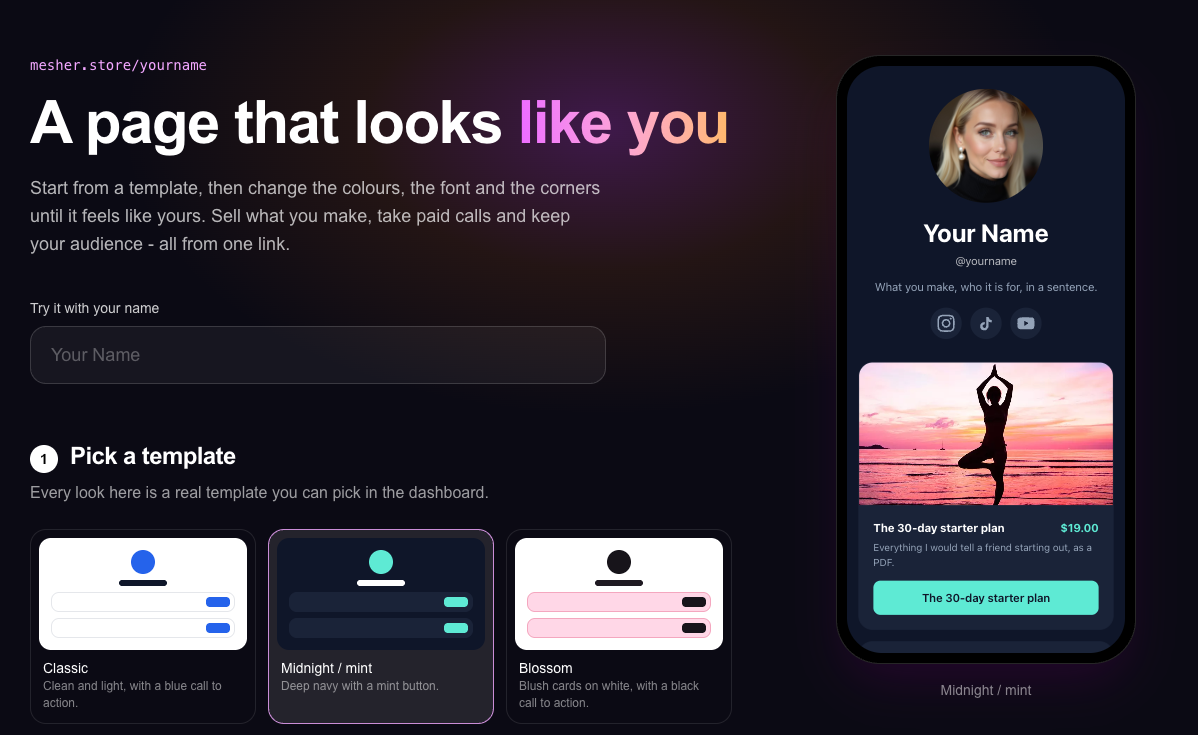
Mesher pages are built from modern templates designed for selling: your name and photo up top, your products laid out as a store, and colours and fonts you can change to match your style. Visitors land on something that looks like a shop worth buying from, set up in minutes rather than designed from scratch.
All-in-one creator tools
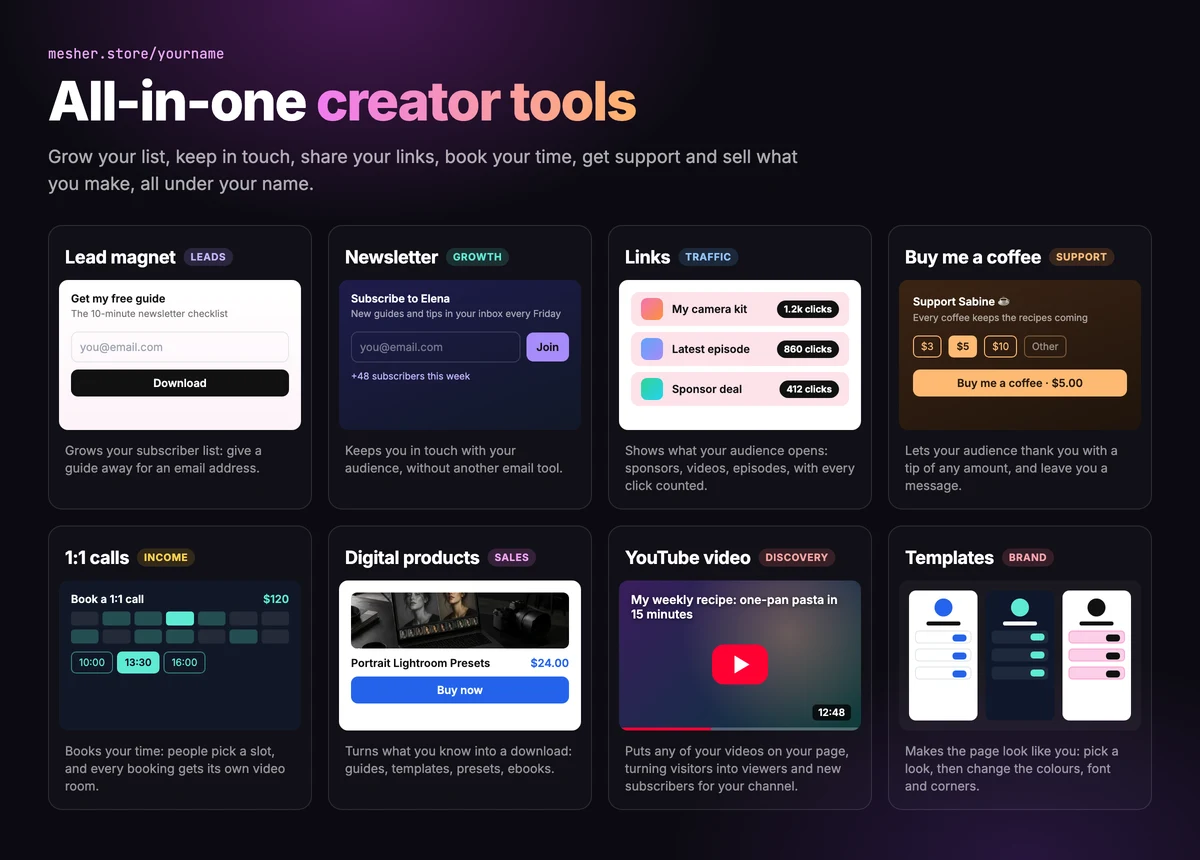
On Linktree, most of what you add is a link that sends visitors somewhere else. On Mesher, the tools live on your page at mesher.store/yourname: a lead magnet that grows your list, a newsletter that keeps you in touch, links with every click counted, Buy me a coffee for support, 1:1 calls that book your time, digital products that turn what you know into a download and a YouTube video that brings your channel new subscribers, next to your posts and social profiles. Visitors join, read, book and buy without leaving it.
Buy me a coffee
Let your audience thank you with a tip of any amount. Supporters tap $3, $5 or $10, or type their own, and can leave you a message that you read alongside your sales. Because it sits next to everything else you offer, someone who came to say thanks also finds your guide, your next call and your newsletter.
See which links perform
Every link on your page counts its clicks, so you can see which ones people actually open and drop the ones they ignore. The count sits beside each link in your dashboard, so the one people tap most can be dragged to the top of your page.
1:1 calls
If you coach, consult, teach or review portfolios, a 1:1 call is often the best thing you can sell. On Mesher, a buyer picks a time from your availability and pays, and a video room is created for that booking automatically. There is no separate scheduling tool to connect and no meeting link to send by hand.
Newsletter
Both platforms let visitors leave their email address. On Linktree, those addresses go to an email tool you connect and pay for separately. On Mesher, subscribers join your list on your page, you can download that list at any time, and you write and send your newsletter from Mesher itself.
Your money is yours from the moment of sale
Mesher buyers pay through Stripe straight into your own Stripe account. Mesher never holds your money, so there is no balance to withdraw and no payout fee.
Which should you choose?
Linktree is the better fit if:
you rely on its integrations, social scheduling or Instagram auto-replies;
you have nothing of your own to sell, now or later.
Mesher is the better fit if:
you want your socials, your latest video, your links and your products on one page;
you share sponsor or affiliate links and want to know how many people open them;
you sell, or plan to, even occasionally;
you sell your time as well as files: coaching, lessons, consultations, reviews;
you want your email list and your newsletter in the same place as your products;
you want to own your money: payments go straight to your own Stripe account, and Mesher never holds them.
Frequently asked questions
What is Linktree?
Linktree is a link-in-bio tool: one page that lists your links. It connects to services like Spotify, Shopify, Mailchimp and Calendly, and its higher plans add link analytics, social post scheduling and Instagram auto-replies.
Is Linktree free?
Yes, Linktree has a free plan with unlimited link buttons. On it Linktree keeps 12% of each sale, and click analytics, custom designs and removing the Linktree logo come with its paid plans.
How much is Linktree?
As listed in October 2026, Linktree costs $8, $15 or $35 a month, or $6, $12 or $30 billed annually, on top of its free plan. The fee per sale is 12% on Free and lower on paid plans, plus processing and $0.25 per payout.
What is Linktree used for?
Creators use Linktree to put several links behind the one link a social profile allows: their socials, website, music, shop or booking page. Its Premium plan adds Instagram DM auto-replies and social post scheduling.
Which is cheaper, Linktree or Mesher?
Both start free. Linktree's paid plans are $8, $15 or $35 a month and Mesher Pro is $29. Linktree keeps 12% of each sale on Free and less on paid plans, plus $0.25 per payout; Mesher keeps 10% on Free and 0% on Pro, and buyers pay straight into your own Stripe account.
What is a good alternative to Linktree?
Mesher gives creators their own website that does what a link-in-bio page does, with every link’s clicks counted, plus digital products, paid 1:1 calls with a video room created for every booking, tips of any amount and a newsletter you send from Mesher itself. Payments go straight into your own Stripe account.